DeltaSnap
  DriveSync
  Noject
  DeltaSync
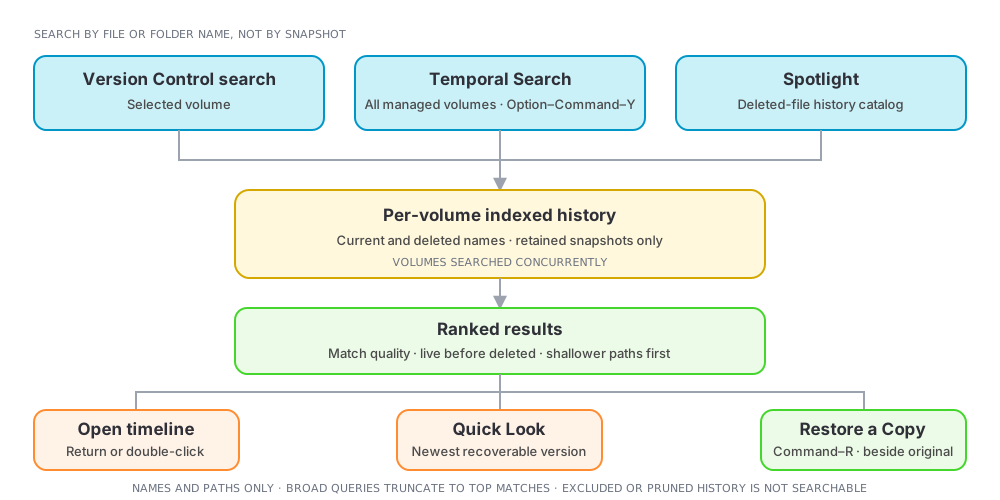
 DeltaSnap searches by file or folder name, then opens that item's full Version Control timeline. You do not need to remember which snapshot held it.
Search inside a volume
Use the search field in Version Control to query the selected volume. Results include current items and deleted-only historical paths, with deleted items identified in the list. Select a result to inspect and restore its versions.
Search every managed volume
Open Temporal Search from the toolbar, menu bar, or the global shortcut. The default shortcut is Option–Command–Y and can be disabled in Settings → General.
Results are ranked by name-match quality, whether the path still exists, and path depth. Common actions are:
- Return or double-click: open the Version Control timeline;
- Quick Look: preview the live file or newest recoverable version; and
- Command–R: restore a copy of the newest recoverable version.
Use the Deleted only filter when recovering a removed item.
Spotlight integration
DeltaSnap publishes a bounded catalog of recently deleted historical files to Core Spotlight. A Spotlight result labelled as DeltaSnap history opens the app directly at that item's Version Control timeline. Live files continue to come from macOS's normal Spotlight index.
What search covers
Search uses DeltaSnap's local snapshot index. It searches names and paths, not text inside file contents. It cannot return descendants of excluded directories or versions whose last serving snapshot has been pruned.
Very broad queries are truncated to the best matches rather than materializing an unbounded result. When that happens, the result list says so explicitly: refine the query instead of assuming the missing item has no history.
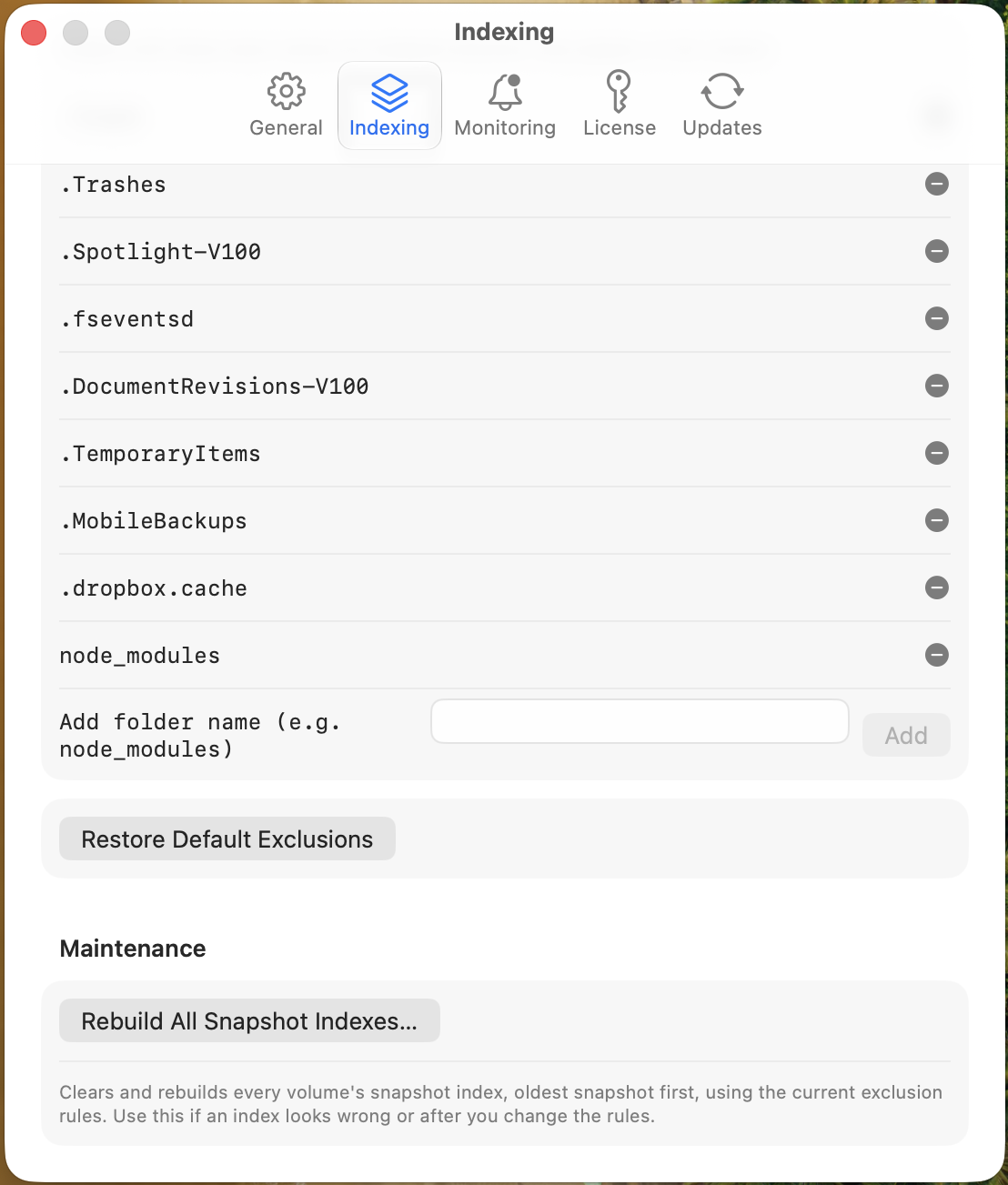
If a likely location is excluded, the empty state points to Settings → Indexing. Removing an exclusion saves immediately and takes effect for snapshots indexed from then on; it does not retroactively index the snapshots you already have. To search history that was captured while the location was still excluded, rebuild the index for that volume from Maintenance.