
 DeltaSnap
  DriveSync
  Noject
  DeltaSync
 So I tested your tool with syncing the files to pCloud. It works well. I did a 300GB sync folder by folder, and also synced two HDDs.
Free macOS utility
Free
DeltaSync. Compare folders. Sync with confidence.
DeltaSync is a graphical user interface (GUI) frontend designed to call the rsync command-line utility for directory comparisons and synchronizations. Supports internal, external and network drive paths.
Disclaimer & Warranty
Both rsync and DeltaSync come with ABSOLUTELY NO WARRANTY. This software is distributed in the hope that it will be useful, but WITHOUT ANY WARRANTY.
Install with Homebrew
$ brew tap scaleninja/tap && brew trust --tap scaleninja/tap$ brew install --cask deltasyncDeltaSync Interface
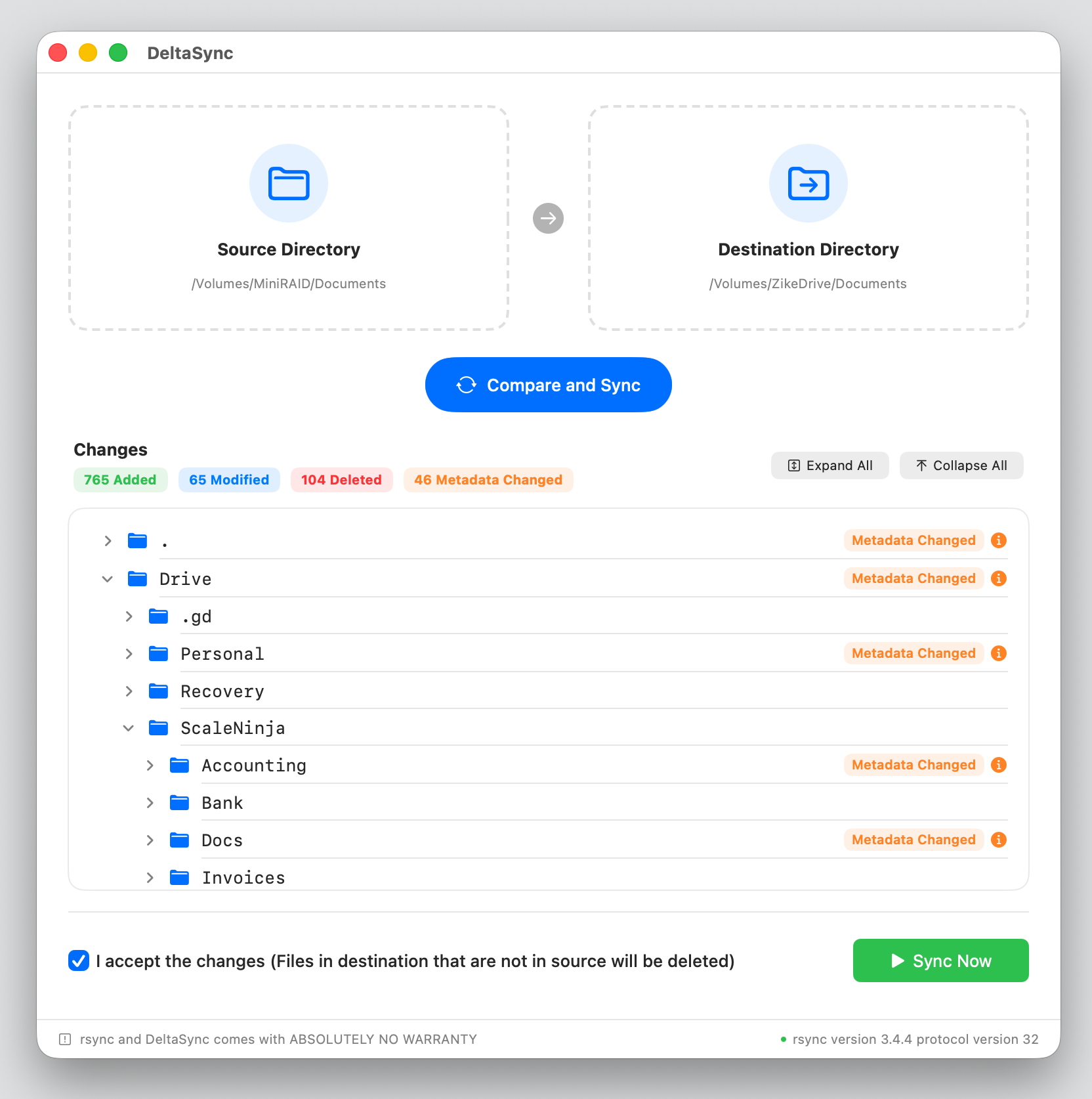
01 · Compare
Directory Selection & Compare
Choose or drag-n-drop your source and target directories, and compare the changes.
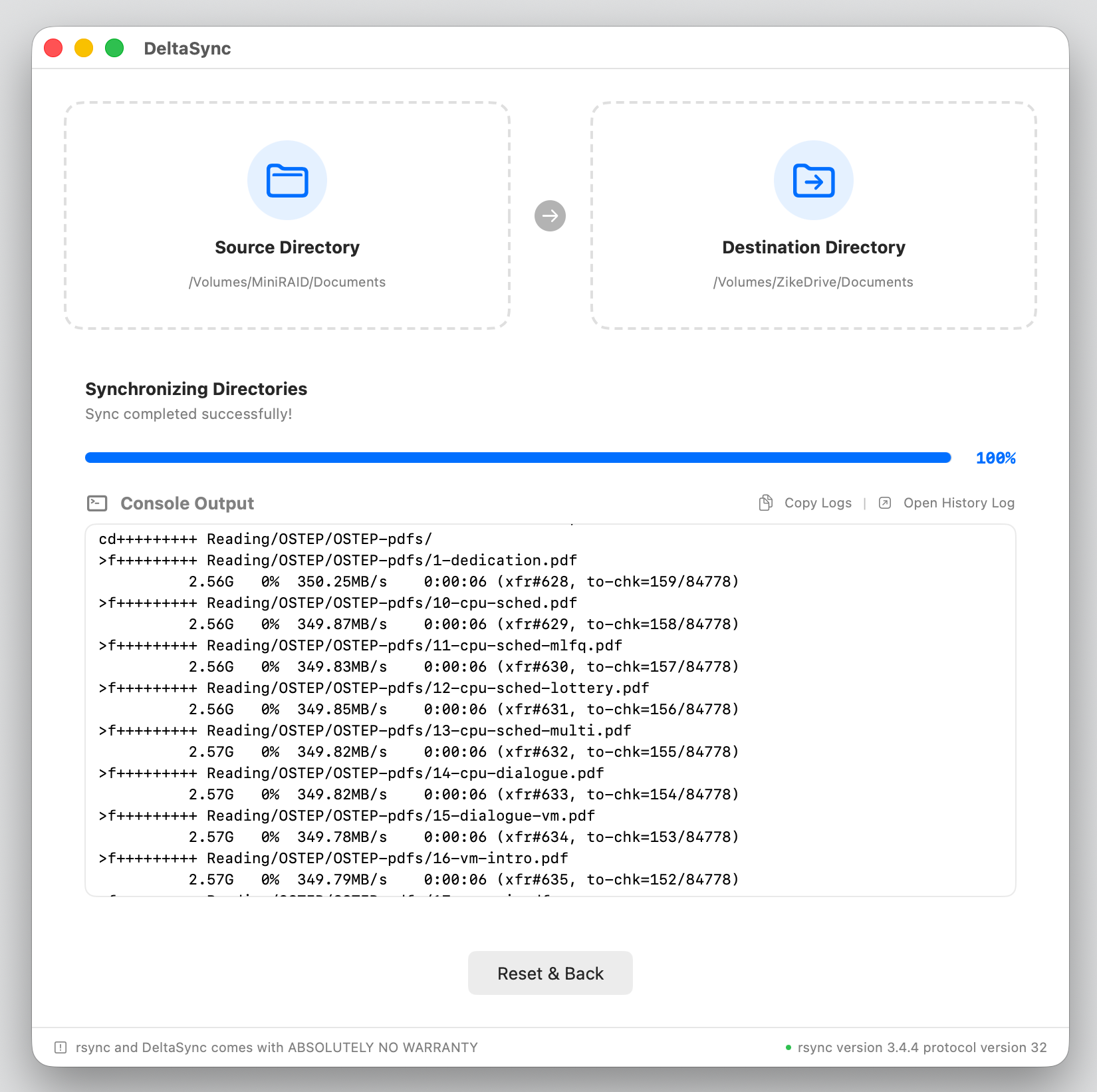
02 · Sync
Check Comparison & Sync
Initiate sync after checking exactly which files are modified, added, or deleted.
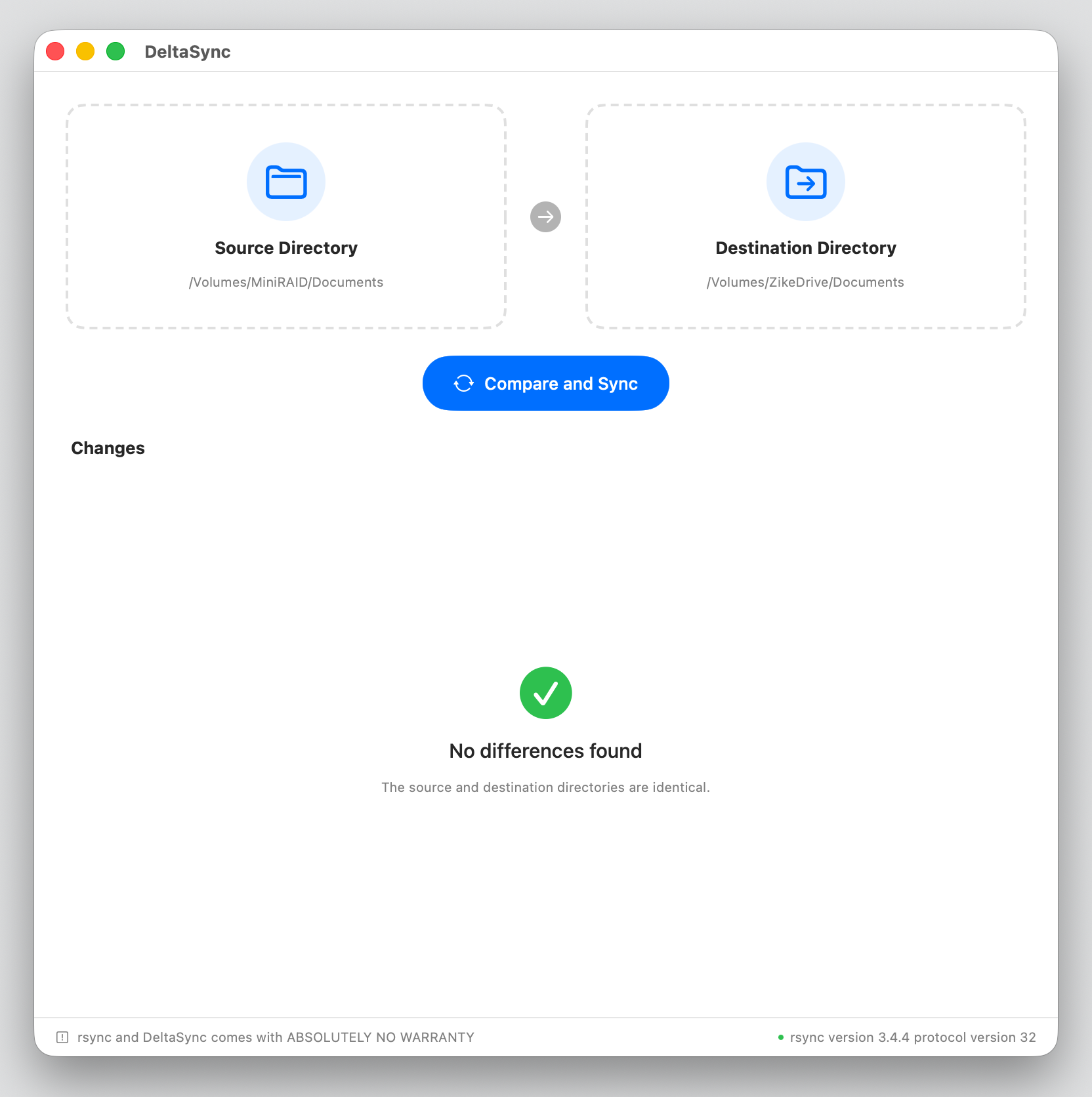
03 · Done
Verify Sync
Compare again to verify the sync safely.
Showing the comparison before sync is the right product boundary, especially for family backup workflows.
Thank you. Needed something this simple. Thank you so much.
OMG I love this
Nice simple little Rsync app there.
Awesome project!
Looking for file history and APFS snapshots? Explore DeltaSnap.